.jpg)
1.jpg)
%20Monitor.jpeg)
Product Overview:
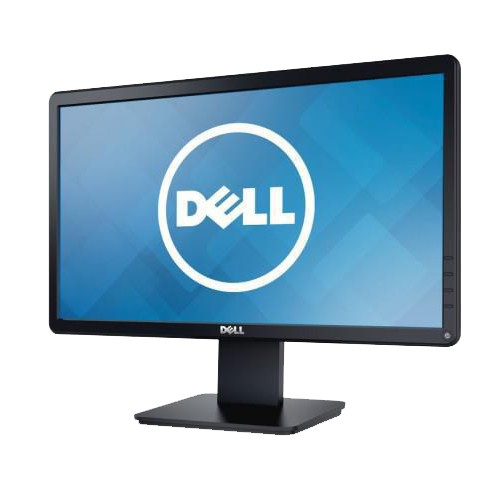
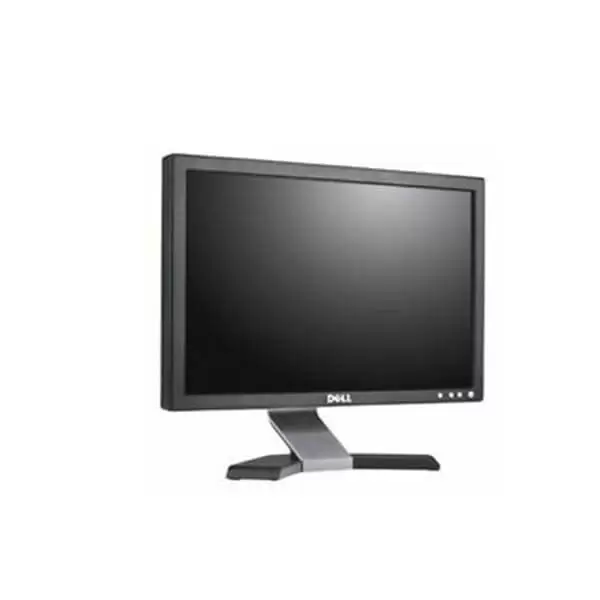
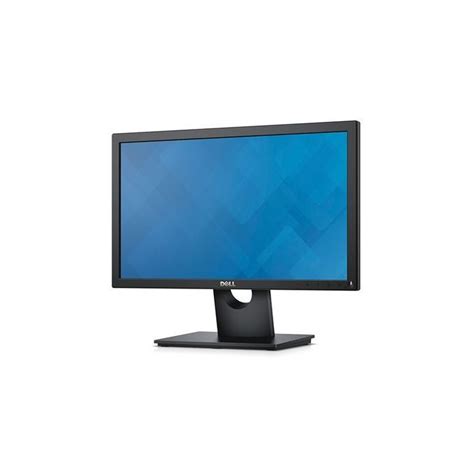
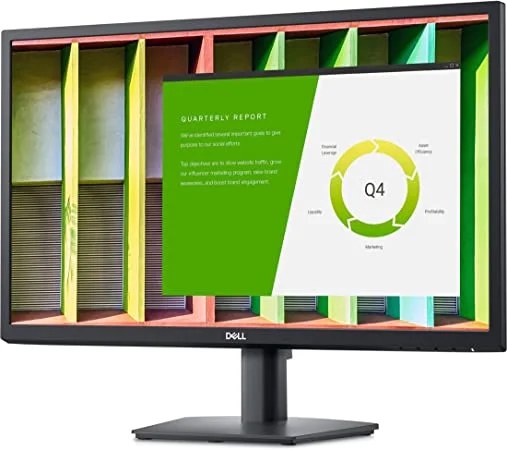
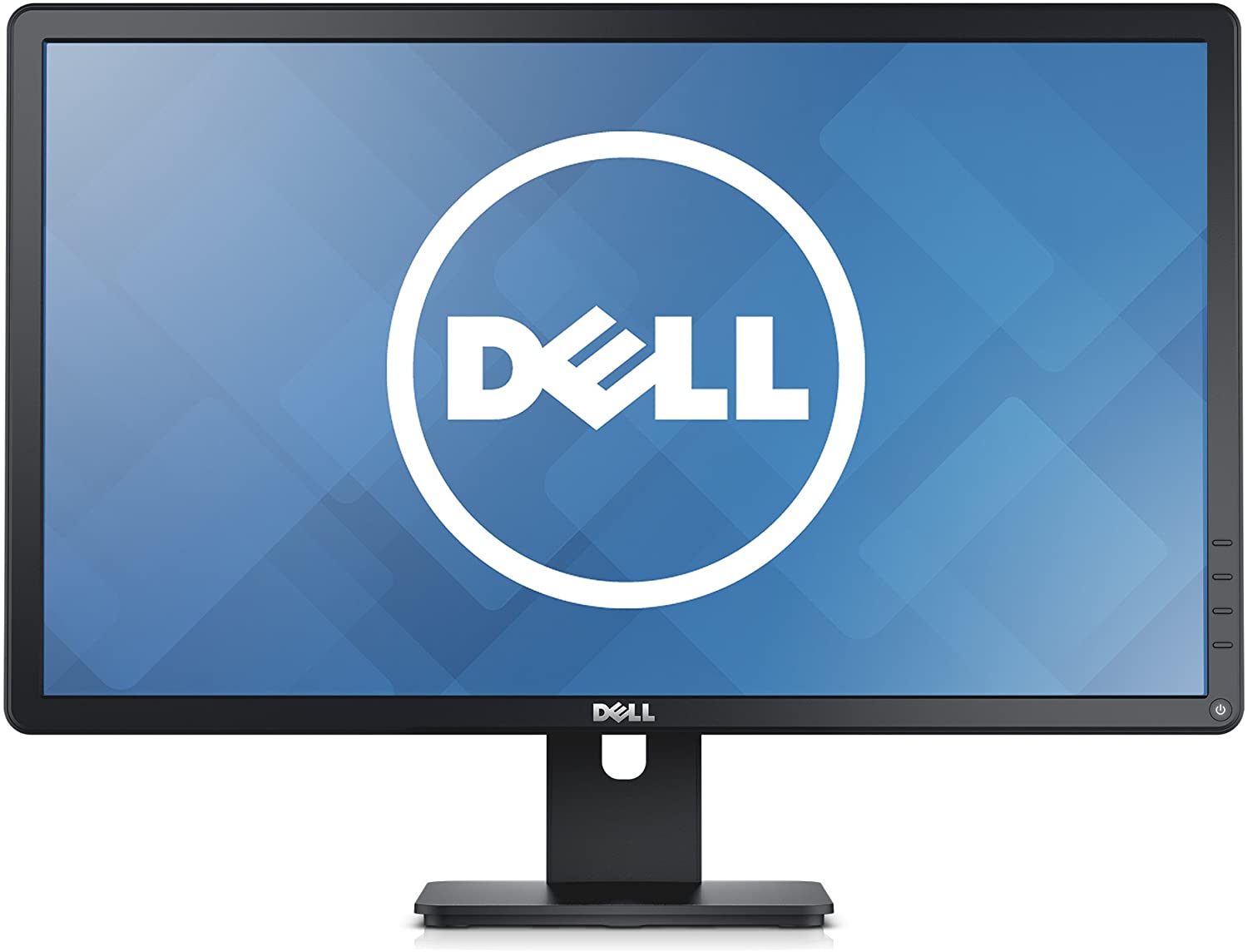
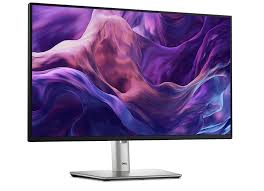
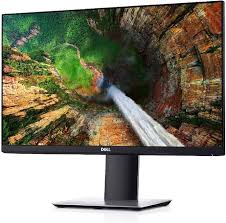
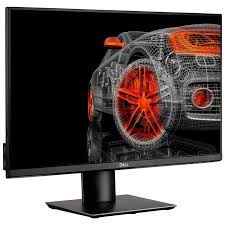
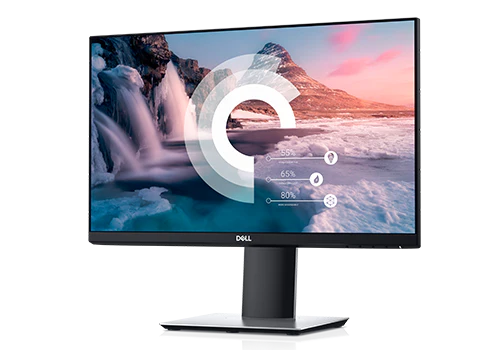
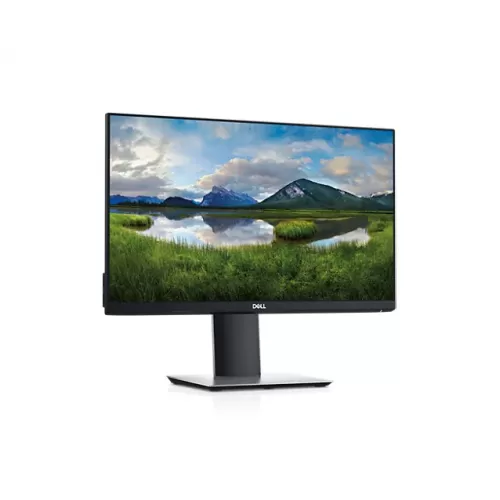
Display Size: The Dell E2423H features a 23.8-inch screen, providing a comfortable viewing area that is well-suited for general office tasks, multimedia consumption, and casual gaming.
Resolution: The monitor boasts Full HD resolution of 1920 x 1080 pixels. This resolution ensures clear, sharp images and text, making it suitable for both work and entertainment.
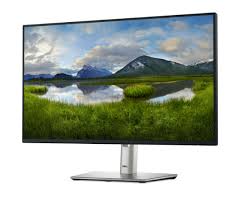
Panel Type: The E2423H uses an IPS (In-Plane Switching) panel. IPS technology is known for its wide viewing angles and accurate color reproduction, allowing users to view the screen from different angles without significant color distortion or loss of image quality.
Brightness and Contrast: The monitor typically offers a brightness level of around 250 nits and a contrast ratio that provides good clarity and vividness for everyday tasks. This brightness level ensures that the display remains visible in most indoor lighting conditions.
Viewing Angles: Thanks to its IPS panel, the Dell E2423H provides wide viewing angles of up to 178 degrees horizontally and vertically. This feature is beneficial for collaborative work and when multiple people need to view the screen from different positions.
Connectivity: The monitor includes multiple connectivity options such as HDMI and DisplayPort. These ports enable easy connection to various devices like computers, laptops, and other peripherals.
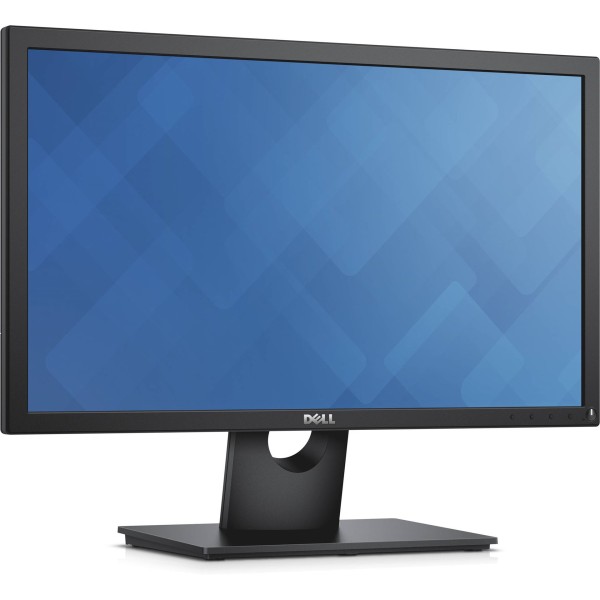
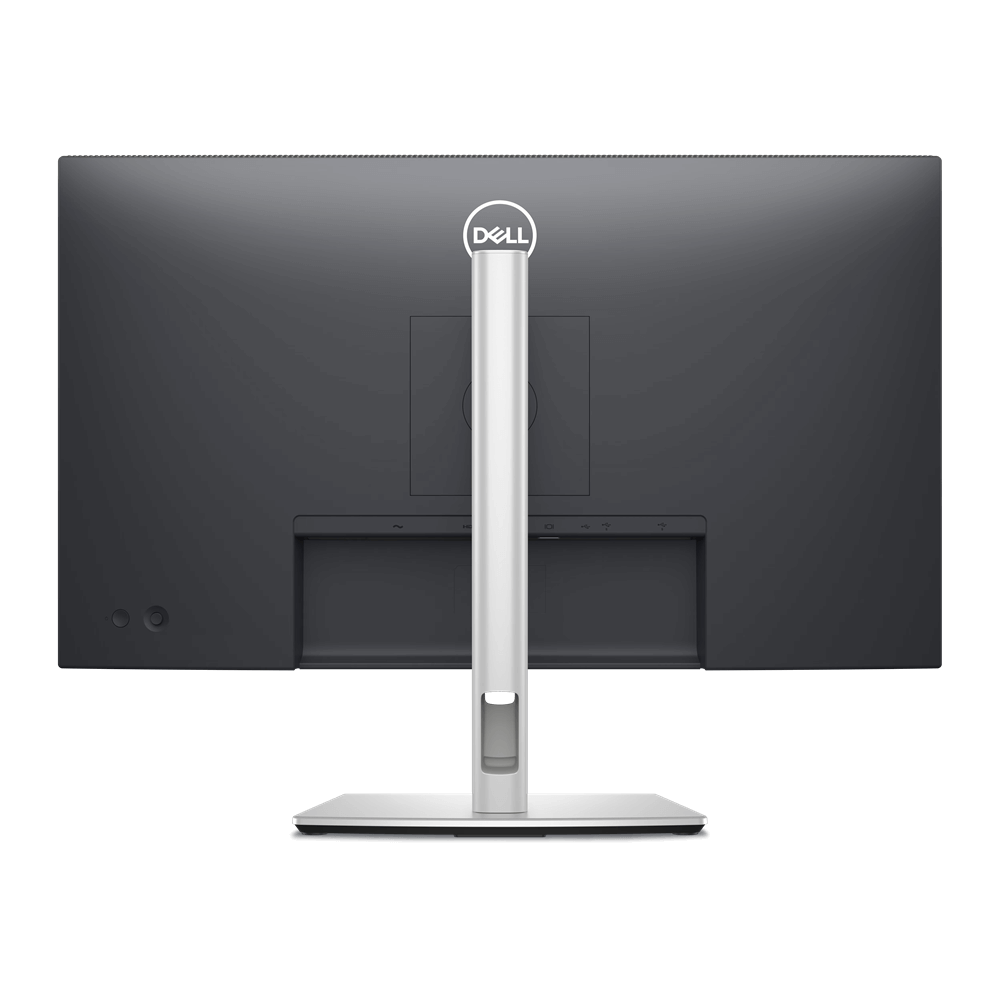
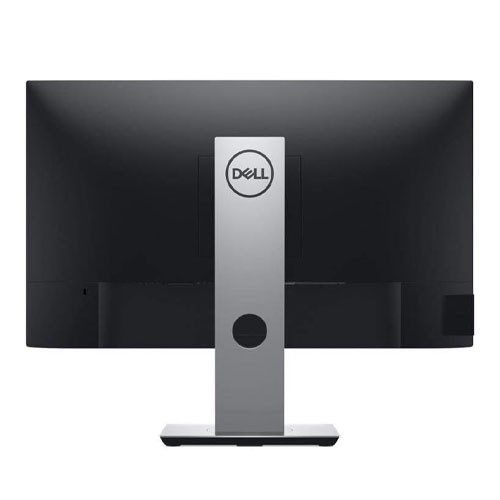
Ergonomics and Adjustments: The Dell E2423H comes with a stand that allows for tilt adjustments, letting users change the angle of the screen for better viewing comfort. However, it does not offer height adjustment, swivel, or pivot features.
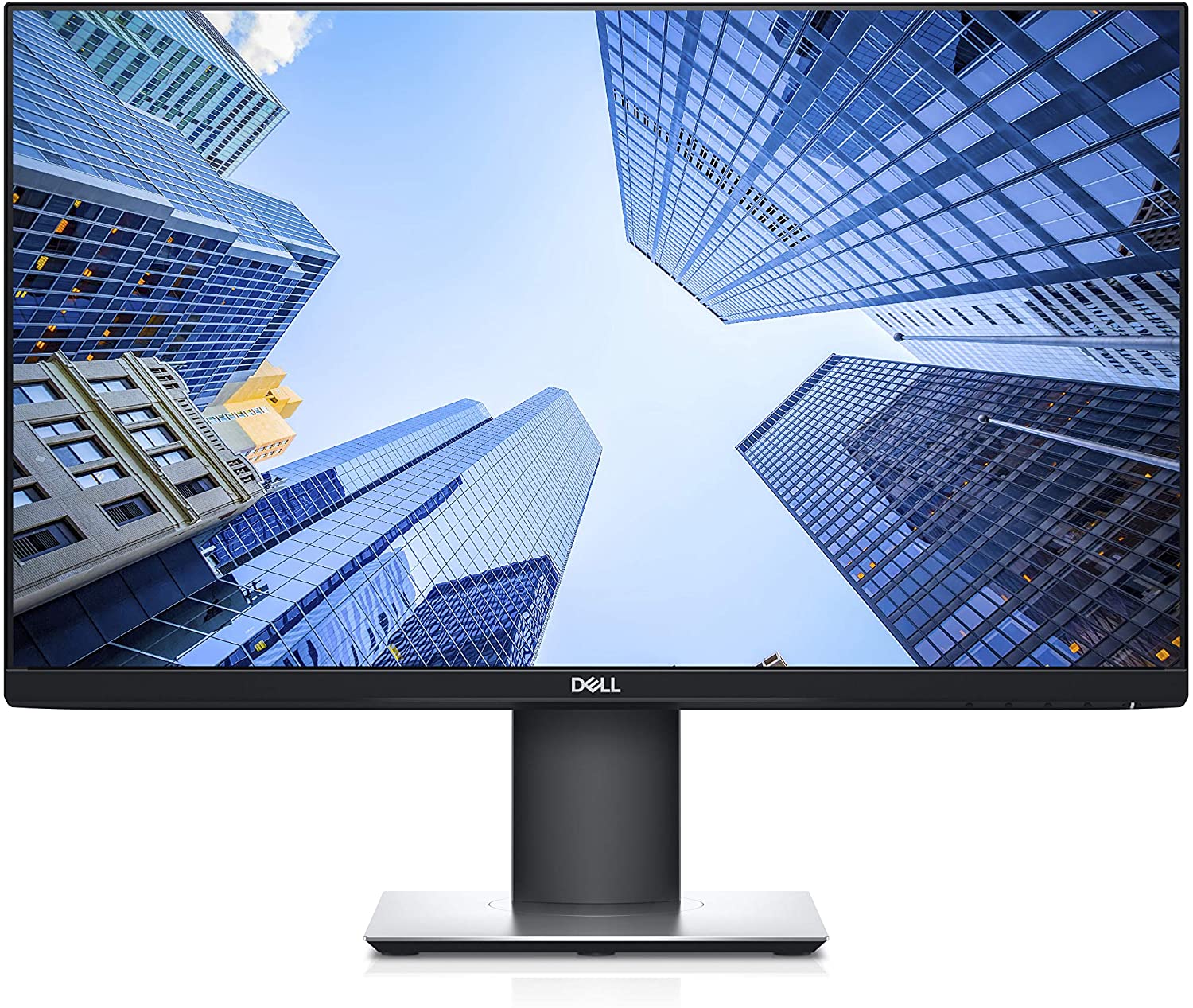
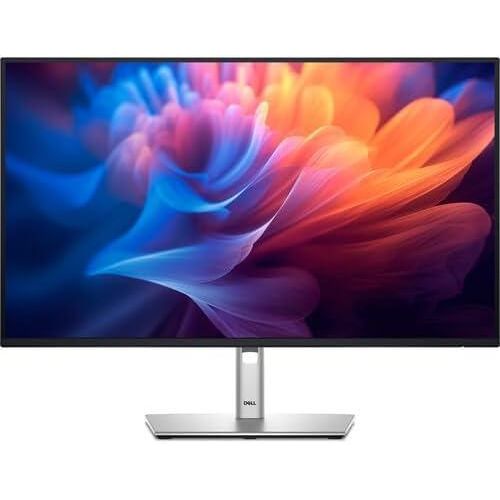
Design: The monitor features a modern design with slim bezels, which helps maximize the screen area and provides a sleek appearance. Its design is intended to fit well in a variety of office and home environments.
Energy Efficiency: The E2423H is designed to be energy efficient, incorporating LED backlighting that reduces power consumption compared to older technologies. It may also include energy-saving features such as automatic brightness adjustment and power-saving modes.
Additional Features: Depending on the specific model, the monitor may include features like a built-in cable management system to keep desk areas tidy and reduce clutter.